Domain History Check: How to Uncover a Domain's Past and See How the Site Looked Before (Using Archives), Plus Review WHOIS History and Ownership Changes Before Buying a Domain Name
A clean-looking domain can hide spam, casino, and a dozen ownership changes. In the 2026 guide — how to check domain history: WHOIS history, Wayback Machine and archive.ph, Ahrefs historical DR. 30 minutes of checking that save you from buying someone else's filter.
 DeepScan.pro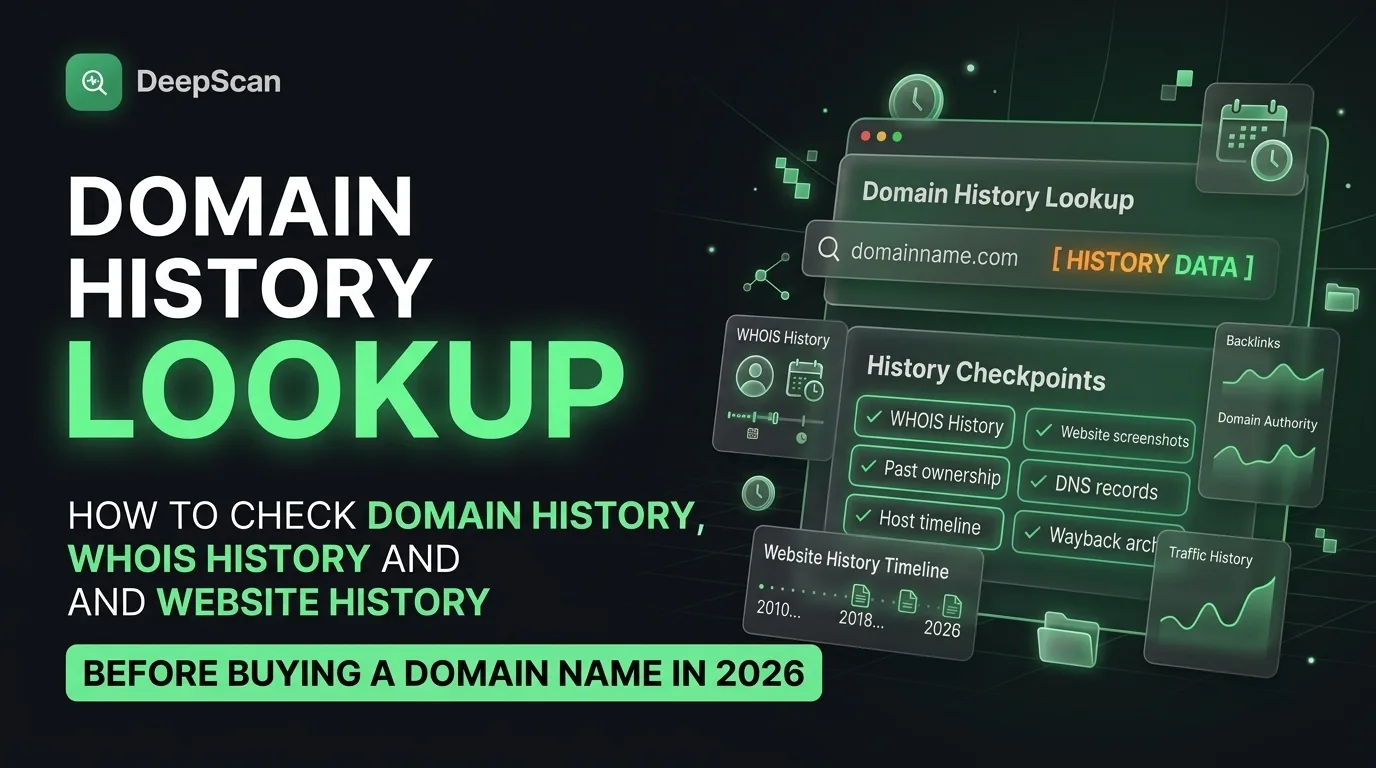
Checking the history of a domain is one of the most sensible steps before buying an expired domain, launching a new project, or analyzing competitors. Behind an attractive name there may be a history of spam mailing, adult content, gambling sites, or frequent changes of ownership, all of which negatively affect SEO or reputation. In 2026, tools have become more sophisticated, privacy rules have become stricter, and the old WHOIS protocol for most generic top-level domains (gTLDs) was officially replaced by RDAP back in early 2025, yet the practical need to study a domain’s history has only grown.
Below is a practical step-by-step guide to researching a domain name’s past in today’s environment: what has changed and which free or paid tools still deliver the best results.
Why domain name history is more important than ever
Expired domains remain popular among SEO specialists and brand builders because a domain’s “age” and its surviving backlinks can provide a ranking advantage. However, an “aged” domain does not always mean a “clean” one. Sellers sometimes re-register an expired name and present the original creation date as proof of continuous value. Studying the history helps identify gaps, find out who owned the domain before you, and understand what content was actually hosted on it over the years.
Three questions that a domain history check should answer
- Who owned the domain and how often did its owners change? (Registration and ownership data.)
- What did the site actually look like and what content was published on it over time? (Content in webpage snapshots.)
- Do the backlink profile and authority metrics retain value in light of that history?
The answers to these three questions are the most useful information you can obtain about a domain, and gathering them takes less than an hour.

Before making a final decision, run the following quick checks:
A `site:domain.com` search in Google: no indexed pages despite a content history often indicates removal from the index or penalties.
Check via Google Safe Browsing and major blacklist services (Spamhaus, etc.).
Basic malware check (via VirusTotal or your security software).
How to check a dropped domain before buying: a practical step-by-step algorithm
- Confirm the domain's current availability and the exact creation and expiration dates through RDAP.
- Review the full ownership history of the domain for changes and gaps.
- Browse saved site snapshots (in the Wayback Machine and other services) to assess content consistency.
- Analyze the domain's rating history in Ahrefs and its current backlink profile.
- Check indexing status and whether the domain appears in blacklists.
- Only then decide whether the domain's residual authority justifies the associated risks and asking price.
This process takes 15 to 30 minutes for most domains and regularly saves buyers from costly mistakes. Buying a domain without such a check is a sure way to inherit someone else's penalties.
Can you check a domain's history for free? What is included in a free check, and what you have to pay for
Yes, most of the information can be obtained for free. Using RDAP, webpage snapshots, the `site:` operator in Google, and Safe Browsing costs nothing, but together they can recover a significant part of a domain's history. A free check reveals a lot, but in-depth analysis — for example, 15-year ownership chronology, reverse lookup, and bulk API access — will require payment. If you are buying a domain once, the cost of one or two paid reports is inexpensive insurance. For those evaluating domains weekly, a subscription pays for itself just by preventing one bad purchase.
What has changed by 2026
Because privacy redaction is now applied by default to most current records, historical databases that preserved pre-GDPR information have become more valuable. RDAP has replaced the classic standard for gTLD domains, but quality tools spare users from needing to understand these technical details. On-demand snapshot services remain indispensable when automated crawlers miss pages or robots.txt blocks access to old site versions. Marketplaces for expired domains and drop-catching tools bring thousands of names to the market every day, making systematic checks even more important.
Domain history before purchase: why a domain with a “clean” history is worth the 30 minutes spent checking
A quality check includes analysis of ownership chronology, visual site snapshots, and authority metric trends. No single tool provides exhaustive information, but a comprehensive approach — a reliable WHOIS history source, the Wayback Machine, on-demand snapshot tools when necessary, and historical domain rating data from Ahrefs — lets you build a clear picture. Whether you are evaluating expired domains for SEO or simply checking a name before buying a domain for a brand, spending time on these steps remains one of the most effective practices in the domain space and delivers a high return on effort.
Comments
Sign in to leave a comment
No comments yet — be the first.